Bring all your HR operations to Runa
HR ONBOARDING
We migrate your employee information, configure your policies and processes, and prepare your team to confidently start operating in Runa.
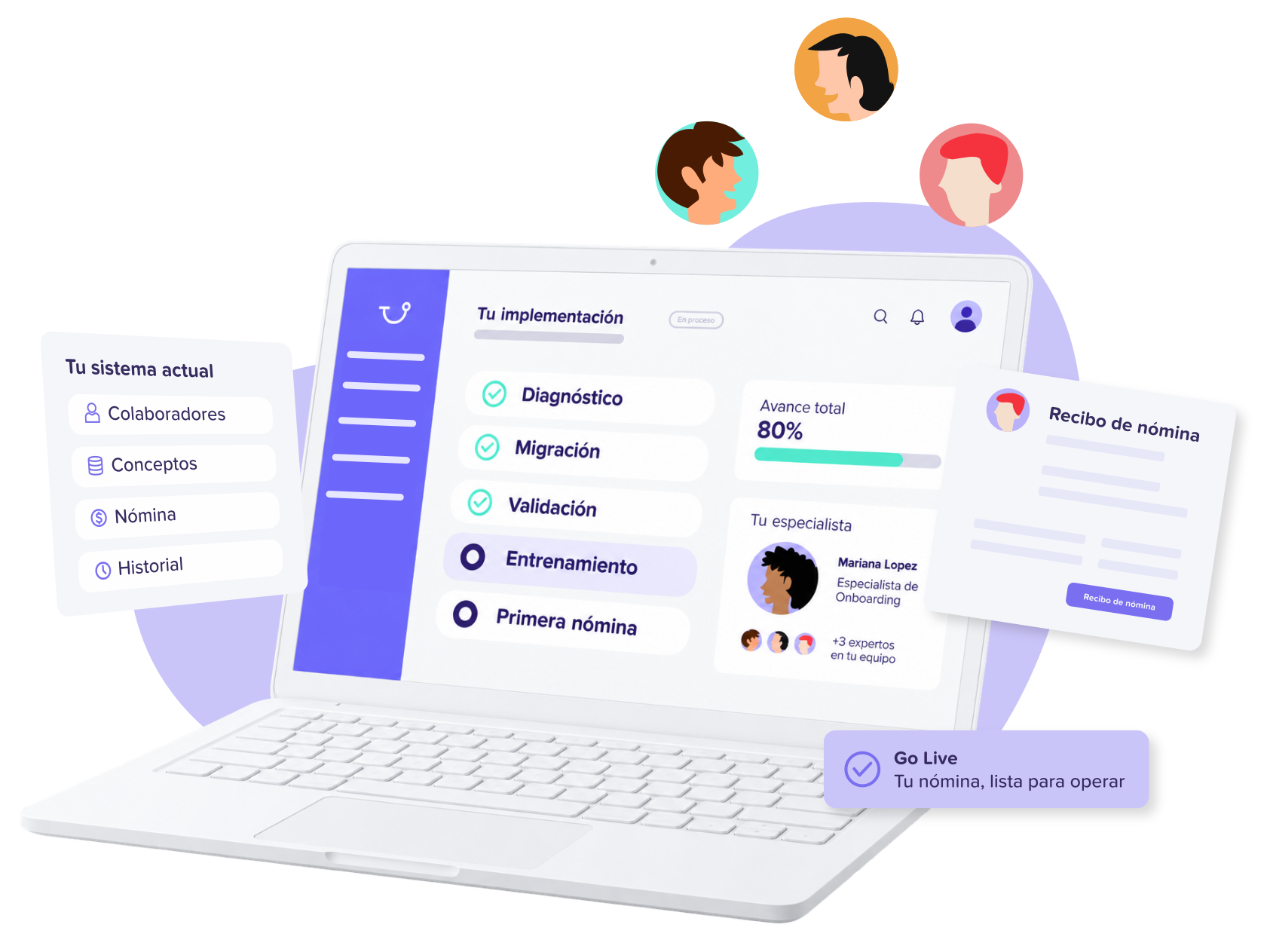
From your current system to Runa, step by step
Our team supports you throughout the entire process so you can quickly start operating your HR processes.
-
1
DIAGNOSIS
We understand your current processes, policies, team, and configuration.
-
2
MIGRATION
We migrate your company and employee information.
-
3
CONFIGURATION
We configure policies, processes, roles, permissions, and modules.
-
4
TRAINING
We prepare administrators and teams to operate Runa.
-
5
ACTIVATION
We activate your modules and support you during the go-live.
Tu tranquilidad es nuestra prioridad.
Nosotros nos encargamos de todo.
Everything you need to operate HR in Runa
Company
General data, organizational structure, work locations, and other information needed to configure your company.
Employees
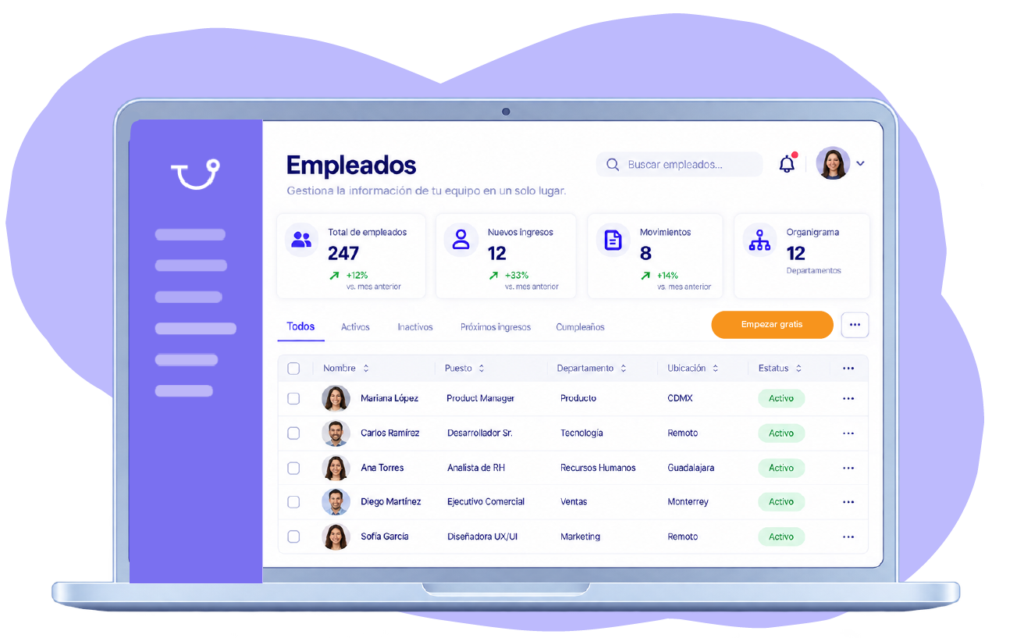
Personal and employment data, positions, departments, managers, and other information needed to create your employees' profiles.
Policies and processes
Configure vacations, leaves, documents, processes, and internal policies according to your company's operations.
Structure and access
Define teams, departments, leaders, roles, and permissions to establish how each person will work within Runa.
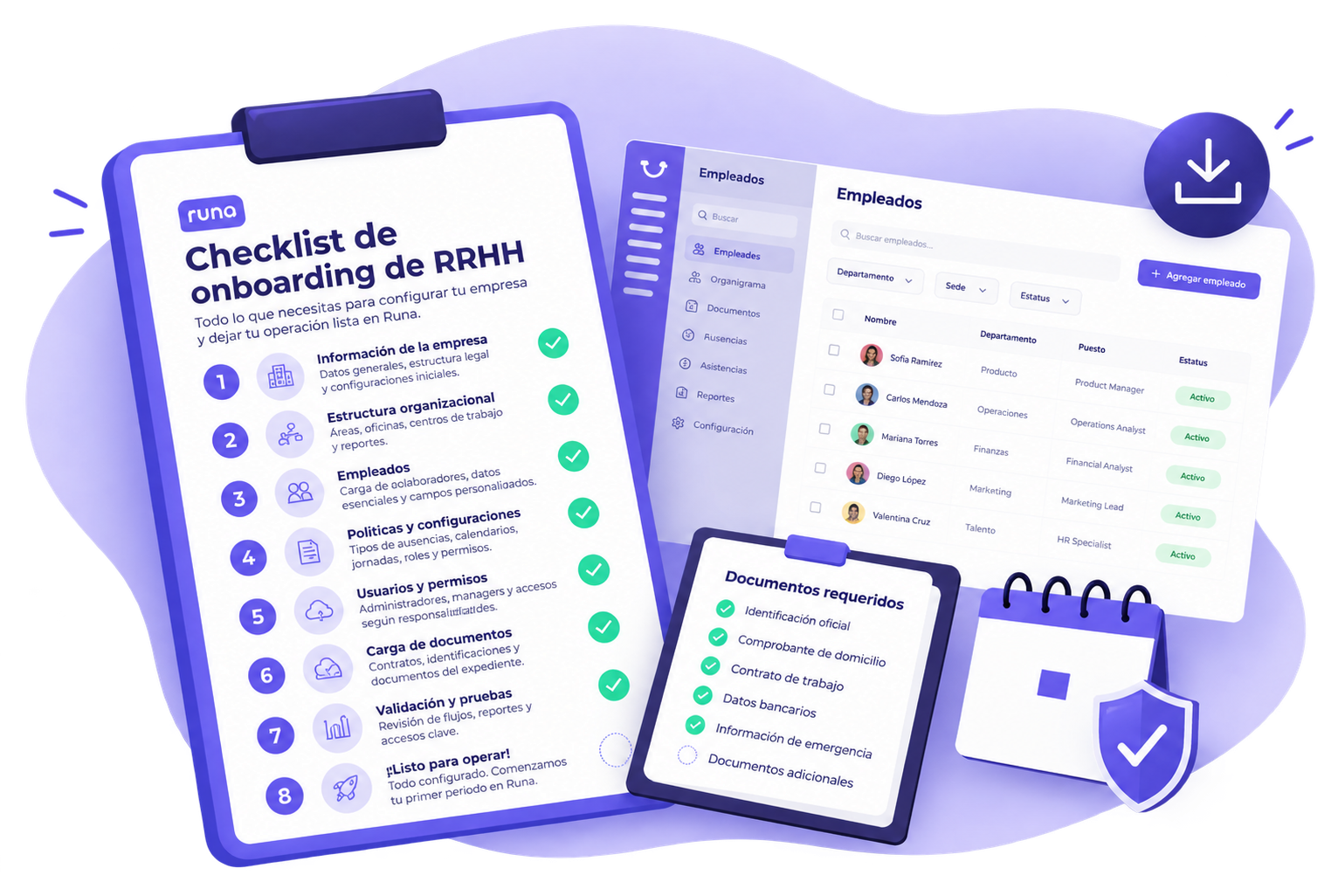
DOWNLOADABLE CHECKLIST
Prepare for a successful implementation
Download our guide and learn about the information, documents, and configurations you'll need to start your HR implementation in Runa.
DownloadExperts who support you from day one
A specialized team supports you during the migration, configuration, and activation of your HR processes.
-
Especialista de onboarding
Te guía en la configuración y migración para asegurar un Go Live exitoso.
Una especialista asignada a ti -
Ejecutiva de cuentas
Coordina tus necesidades con el equipo para asegurar una transición fluida.
-
Onboarding manager
Supervisa tu implementación y asegura la calidad durante todo el proceso.
-
Especialista de RRHH
Configura políticas, procesos y módulos de acuerdo con tu operación.
-
Especialista de sistemas
Apoya la migración, configuración técnica e integraciones necesarias.
Organized information
We centralize and validate your team's data.
Configured processes
We adapt policies, workflows, and modules to your operation.
Prepared team
We train your team to start operating Runa.
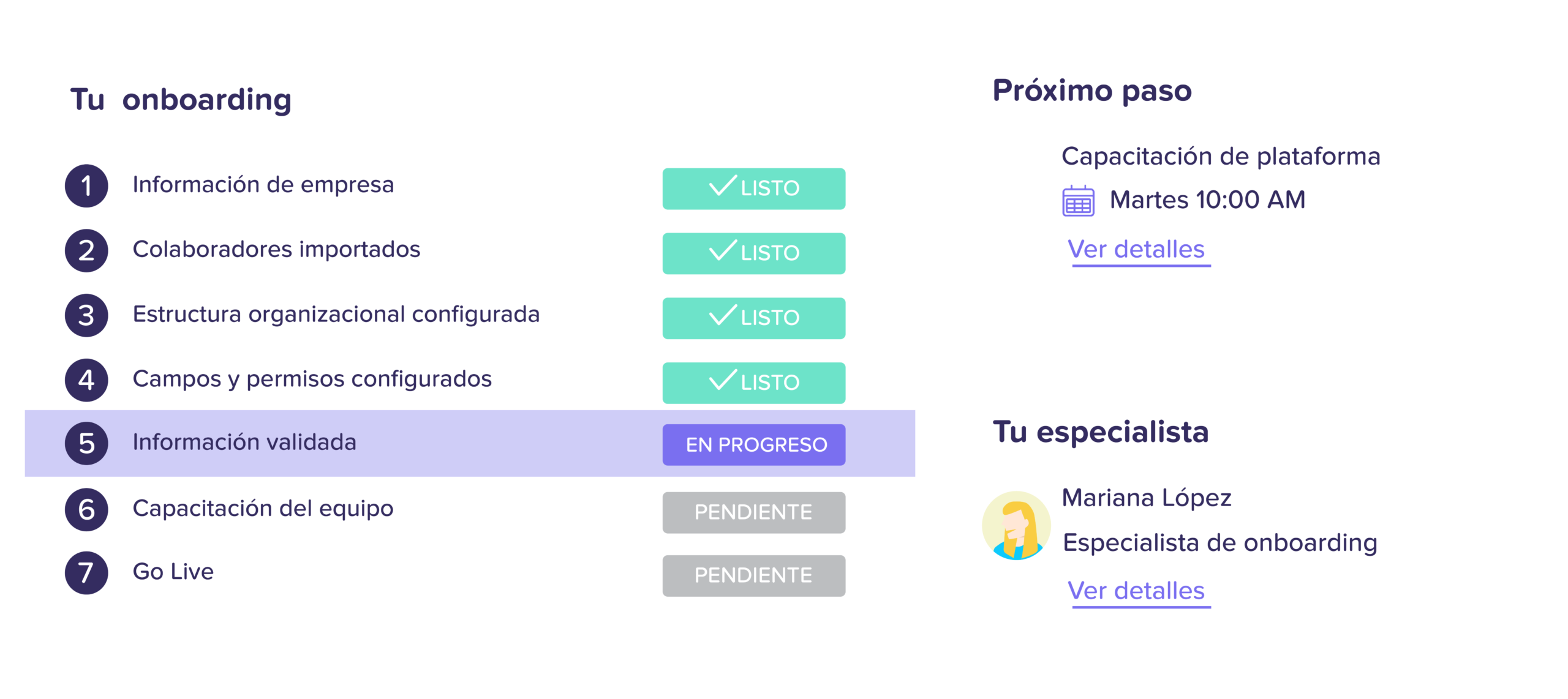
You always know what's next
Check the progress of your implementation and pending tasks for each stage.
Our support continues after Go-Live
Once your team starts using Runa, Customer Success and Support continue to assist you in getting the most out of the platform.
Continuous support
We resolve questions and support you.
New modules
We help you expand Runa as you grow.
Best practices
We share recommendations
for your operation.
Continuous optimization
We improve the use of Runa
with you.
This is how our clients experience Runa's onboarding
Explore over 150 success stories from companies of all sizes and more than 20 industries.
“From the beginning, we knew we needed a solid foundation to scale our payroll operation in Mexico with security, efficiency, and full compliance.”
Rodrigo Sanchez
Communications Lead
“With Runa, we found a reliable platform that allows us to operate efficiently and provide clarity to the entire team.”
Gerry Giacomán
Co-Founder & CEO
“With Runa’s software, we were able to manage payroll directly and without errors, through a much more efficient process adapted to our needs. We feel much more secure and at ease with every payment and calculation we make.”
Norma Isela
Human Resources Manager
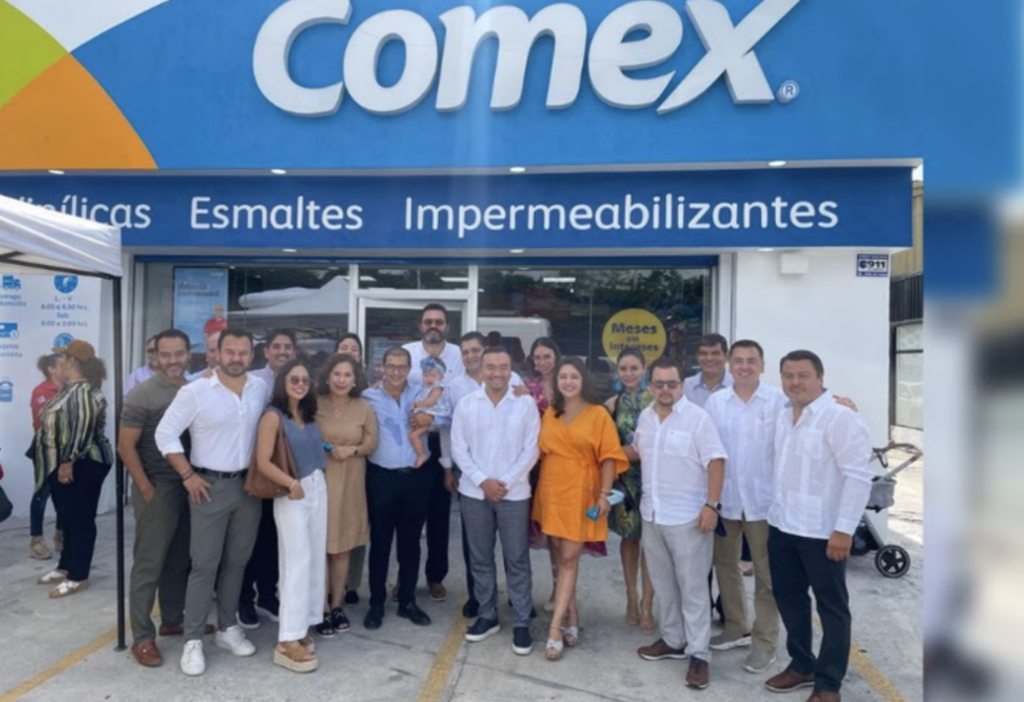
“With Runa, we have successfully simplified and automated key payroll and human resources processes. Today, we have greater visibility over our team and can manage our team members' information much more efficiently.”
Administration Team
Comex
“With Runa, we found much more than just a payroll provider. Today, we have a team that understands the complexity of our operations and supports us through every payment cycle, allowing us to work with greater confidence, efficiency, and visibility over our processes.”
Human Resources Team
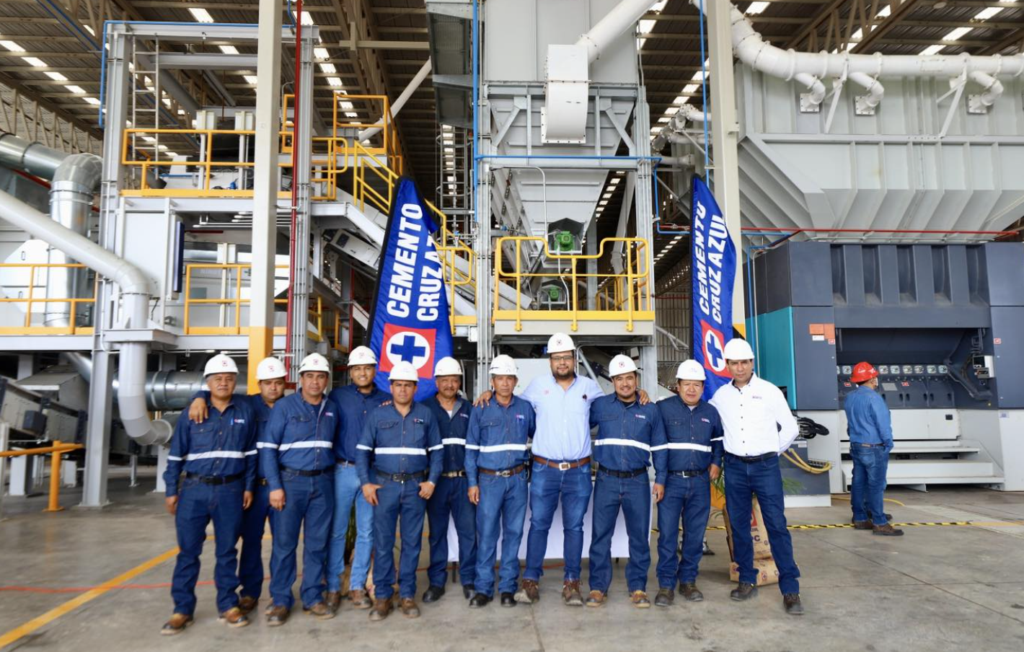
Cementos Cruz Azul
“With Runa, we’ve been able to completely simplify payroll and team management across our operations. Having our employees’ information centralized allows us to focus on what matters most: delivering a great experience for our customers.”
Operations Team
Punto de Cielo
“Runa has helped us automate key payroll and HR processes for our teams. Today, we can manage our employees' information much more quickly, efficiently, and in a more organized way.”
Payroll and HR Management
El Pollo Loco
“With Runa, we have a stable and committed team, errors have been reduced to a minimum, and everything stays automatically updated, without us having to worry about legal or technical matters.”
Martha Llano
HR Manager
Have questions?
We have answers.
Frequently asked questions
How long does HR onboarding take with Runa?
The duration depends on the number of employees, the modules you want to activate, and the information we need to migrate. From the start, we define the stages, responsibilities, and next steps of the implementation with you.
What information do we need to get started?
We will ask for basic information about your company and employees, as well as the processes, policies, configurations, and documents required for the modules you wish to implement. We provide you with a checklist to help you prepare everything.
Can Runa import my employees' information?
Yes. We will assist you in uploading and organizing your employees' information in Runa, including the data needed to configure the contracted modules.
How do we configure our HR processes and policies?
Our team works with you to understand how your company currently operates and to configure Runa according to your processes, policies, rules, approvals, and needs.
Do we receive training before activating Runa?
Yes. We prepare administrators to manage the platform and help managers and employees understand how to perform their respective actions.
How are user access and permissions configured?
During implementation, we define administrator, manager, and employee access so that each person can view and manage only the information and processes relevant to them.
US-EN
Argentina (AR)

Brazil (BR)
Chile (CL)
Colombia (CO)
Ecuador (EC)
Mexico (MX)
Peru (PE)

Venezuela (VE)