Argentina (AR)
 Brazil (BR)
 Chile (CL)
 Colombia (CO)
 Ecuador (EC)
 Mexico (MX)
 Peru (PE)
 Venezuela (VE)


Individual asset record
View all information for each asset, from its data and location to its status and responsible party.


Automate and simplify your payroll.

Centralize your team's information.

Manage vacations and time off.

Track schedules and attendance.

Organize employee documents.

Manage and assign your company's assets.

Measure and improve the employee experience.

Keep your team connected.

Simplify hiring and offboarding.

Manage confidential reports.

Evaluate and develop your team.

Attract and hire better talent.
Develop your team's skills.

Manage field staff, seasons, and payroll.

Manage teams, production, shifts, and payroll.

Simplify managing wellness teams.

Manage agents and real estate teams.

Manage teachers and education staff.

Manage technical and operations teams.

Manage employees and payroll with precision.

Manage staff, shifts, and operations.

Manage operational and distributed teams.

Manage plants, shifts, and payroll.

Manage shifts, attendance, and payroll.

Manage store staff and operations.

Manage medical and administrative staff.

Manage scalable technology teams.

Articles, guides, templates, videos, and more.

Learn key HR and payroll terms.

Easily calculate payroll and HR figures.

Practical guides to manage HR better.

Ready-to-use templates for HR management.

Webinars, workshops, and HR and payroll tips.
Download kits for your HR team.
Explore HR trends and tips.

Learn who we are and what drives us.

See what our customers say about Runa.

Learn about the causes we support.

See our openings and work at Runa.

See what the media say about Runa.

Learn how we protect your data and information.
 US
Centralize and control all your company's assets. Assign equipment to employees, view its history, and manage deliveries, returns, and reassignments throughout its lifecycle.
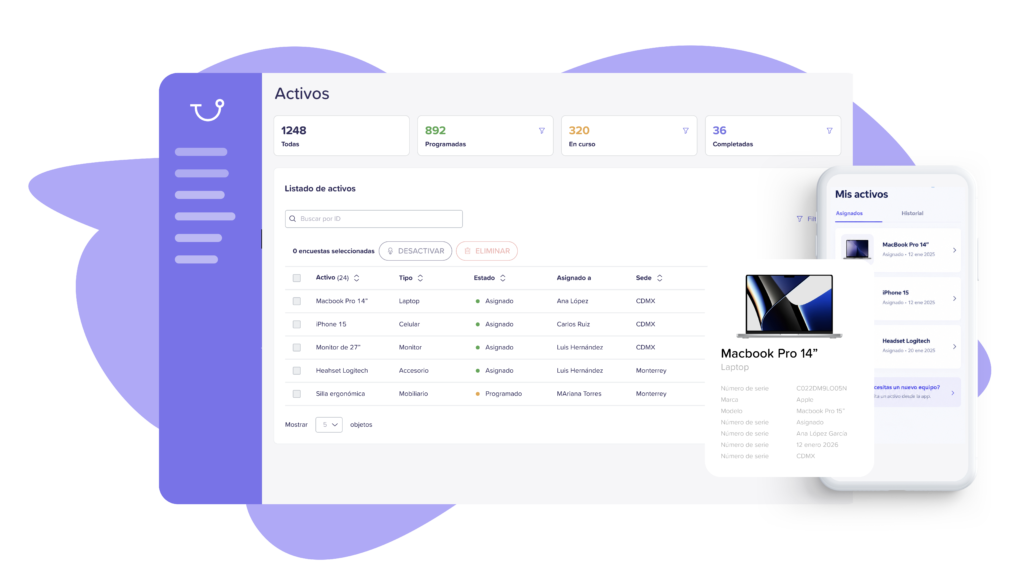


Explore the key capabilities that help you control every asset, from start to finish.
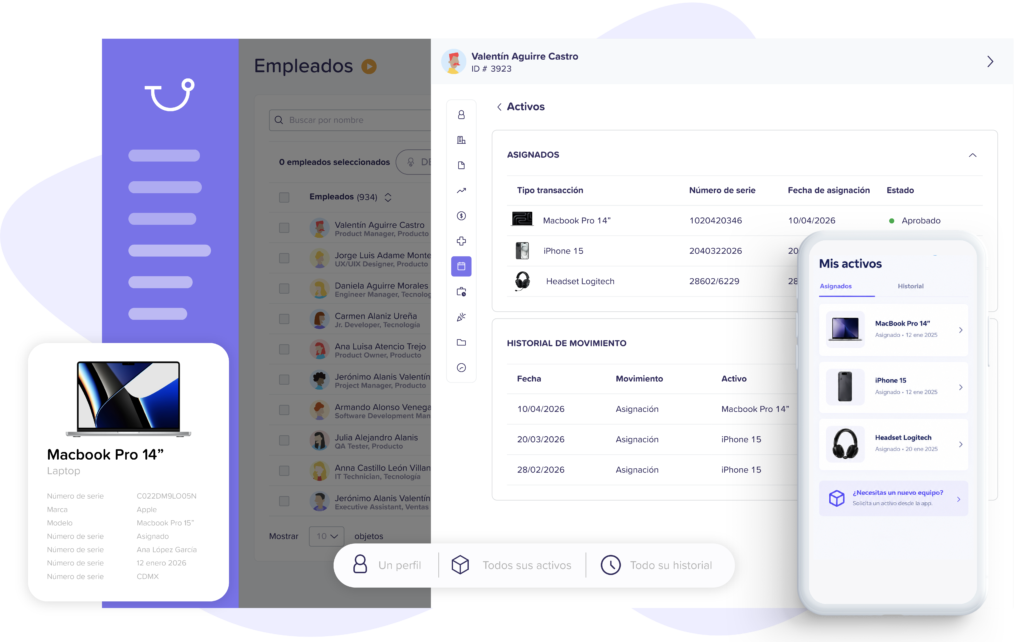
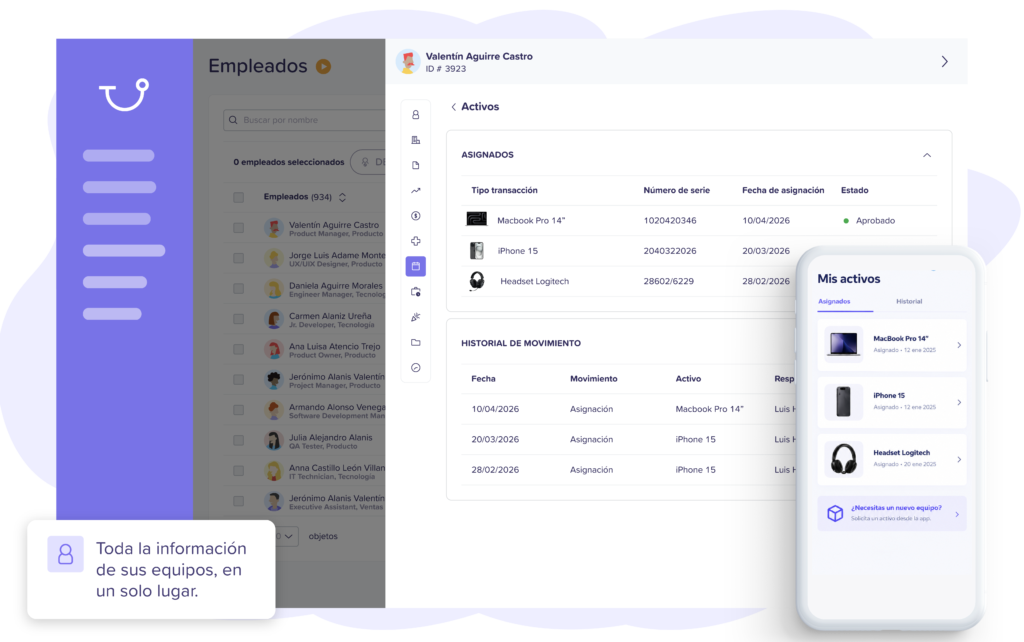
View all information for each asset, from its data and location to its status and responsible party.

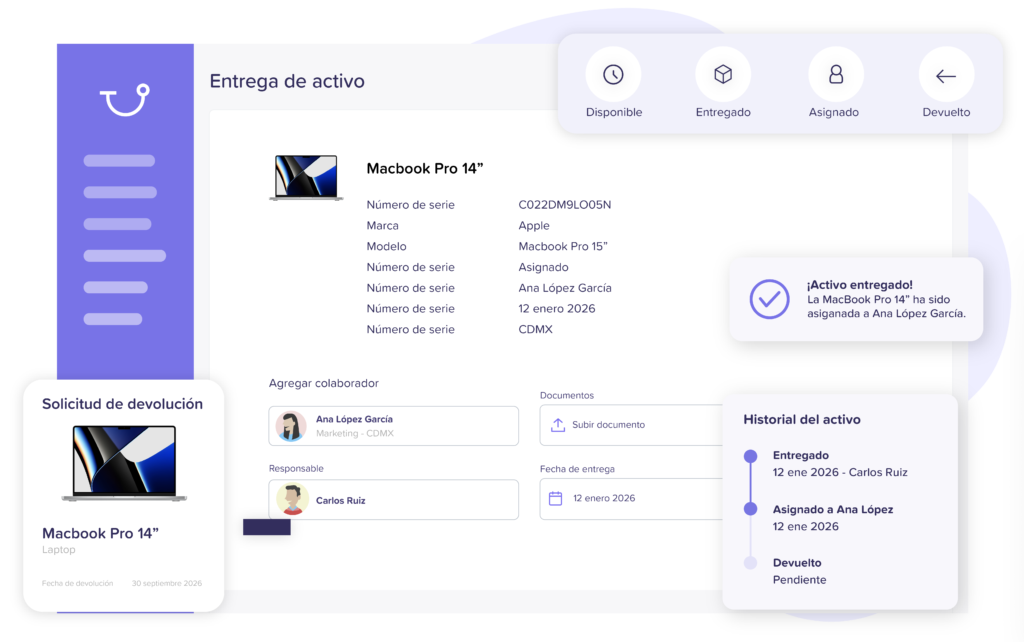
Define and update the status of each asset to know what is available, assigned, under repair, or retired.
Keep a record of every assignment, return, change, and movement throughout its lifecycle.
Identify where each asset is located, whether in an office, branch, warehouse, or with an employee.

Quickly find any asset by filtering by employee, type, status, location, department, and more.
Analyze your inventory by status, category, location, employee, or department to make better decisions.
Discover how Runa helps you centralize, assign, and track your assets throughout their entire lifecycle.
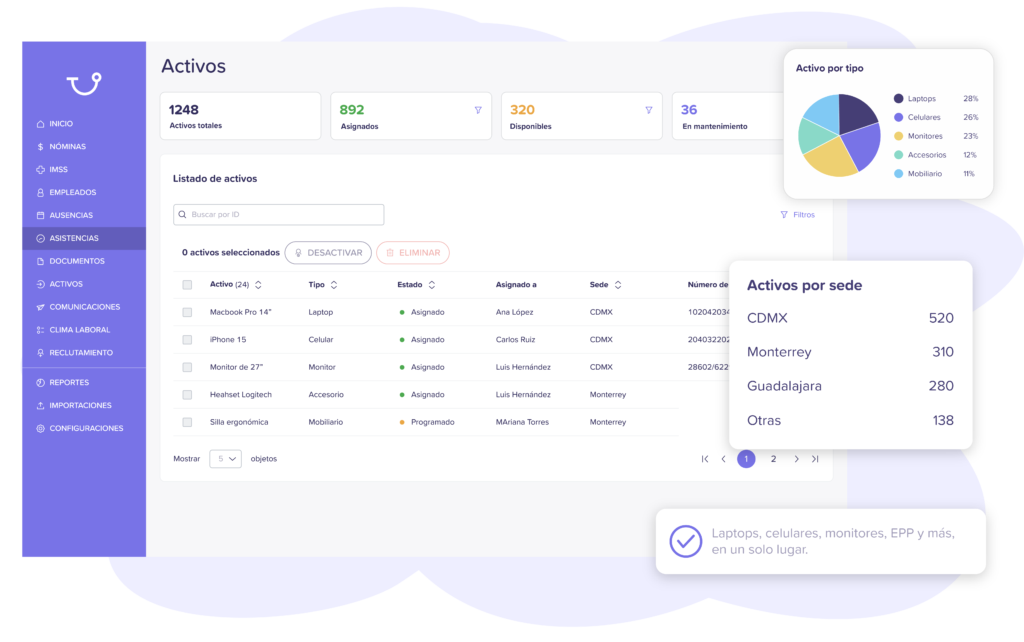
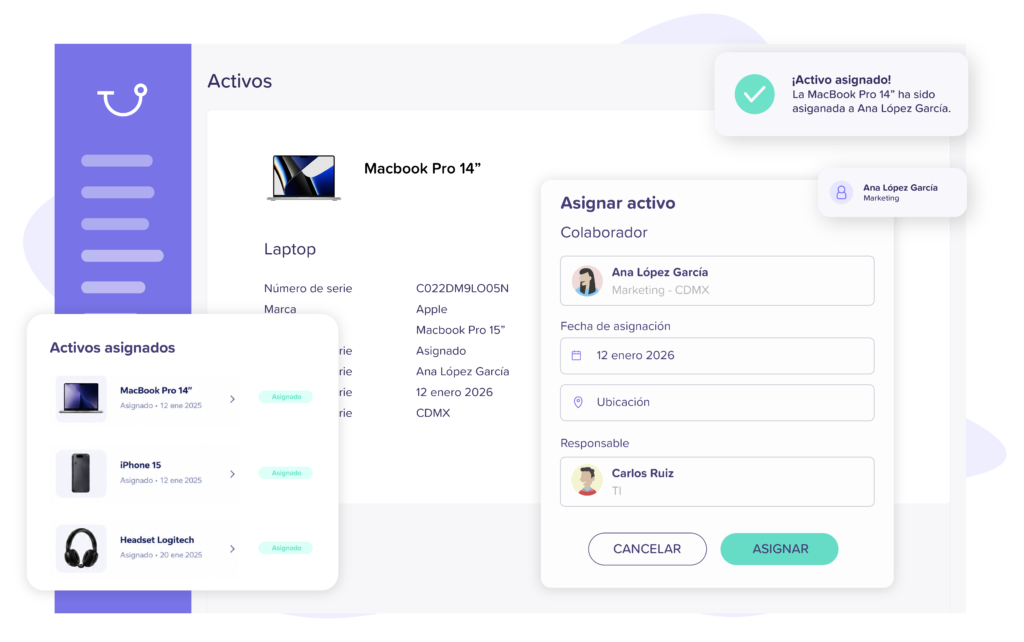
Centralize your inventory, assign equipment, and control every asset throughout its lifecycle.
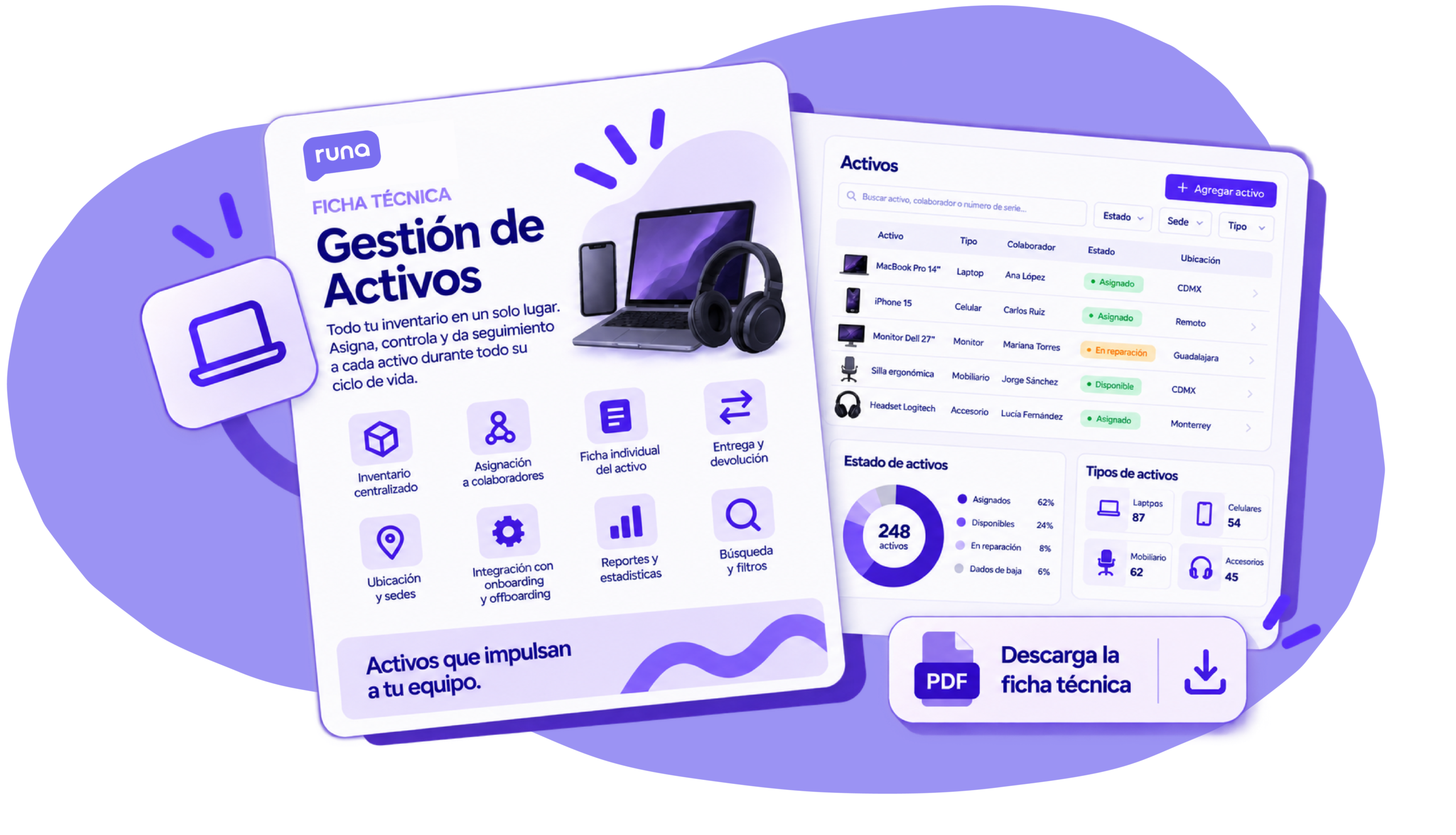
TECHNICAL SHEET
View features, automations, and integrations to control your assets throughout their entire lifecycle.
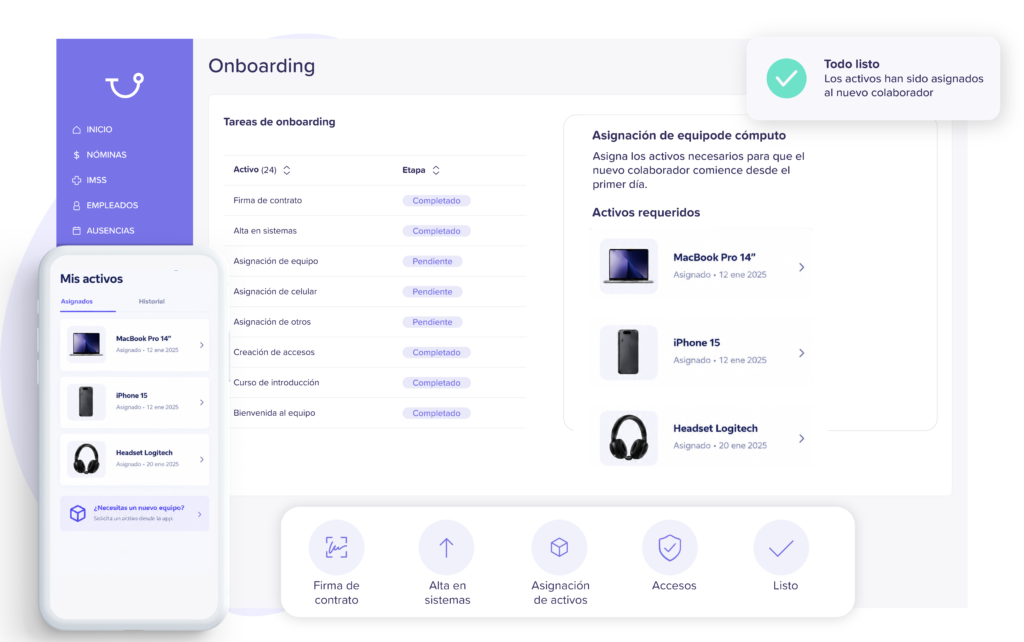
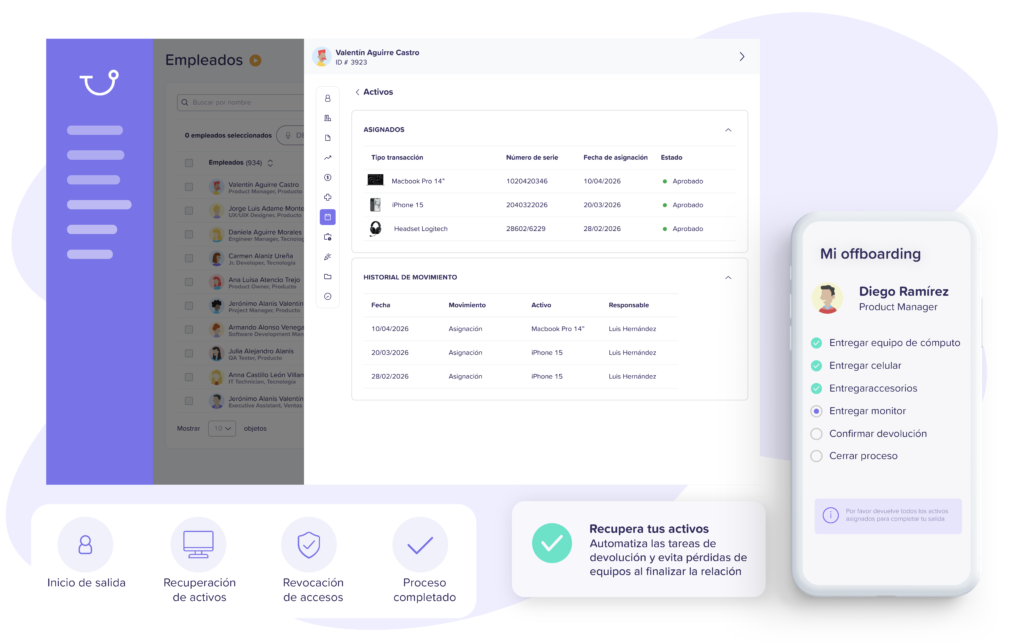
DownloadConnect your assets with Employees, Onboarding, Offboarding, and other Runa modules to keep everything synchronized.
Automate your payroll calculation and payment from start to finish.
All your team's information in one place, always up-to-date.
Manage vacations, permits, and leaves simply.
Control schedules, shifts, and attendance in real time.
Digitize and organize records and files.
Control, assign, and track your company's assets.
Measure the environment, listen to your team, and improve their experience.
Connect your team with news, announcements, and surveys.
Integrate and offboard employees in a structured way.
BETA
Manage complaints securely, anonymously, and confidentially.
BETA
Evaluate, track, and develop your team's talent.
BETA
Find and select the best talent for your company.
BETA
Develop skills and boost growth.


Centralize essential information for each employee.

Your data protected with the highest standards.

Control access and information levels.

Automate key approvals and processes.

Connect with the systems you already use.

Visualize key data and make better decisions.

Give each employee access to their information.
Discover how our clients centralize their inventory,
assign equipment, and keep every asset under control.


“From the beginning, we knew we needed a solid foundation to scale our payroll operation in Mexico with security, efficiency, and full compliance.”
Rodrigo Sanchez
Communications Lead


“With Runa, we found a reliable platform that allows us to operate efficiently and provide clarity to the entire team.”
Gerry Giacomán
Co-Founder & CEO


“With Runa’s software, we were able to manage payroll directly and without errors, through a much more efficient process adapted to our needs. We feel much more secure and at ease with every payment and calculation we make.”
Norma Isela
Human Resources Manager
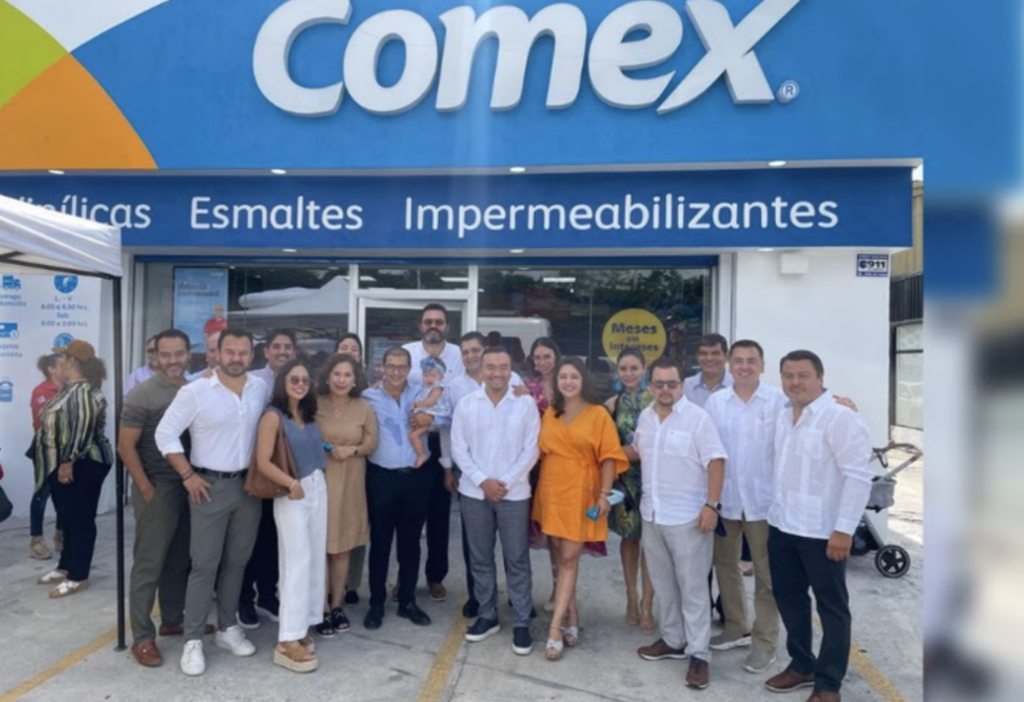

“With Runa, we have successfully simplified and automated key payroll and human resources processes. Today, we have greater visibility over our team and can manage our team members' information much more efficiently.”
Administration Team
Comex
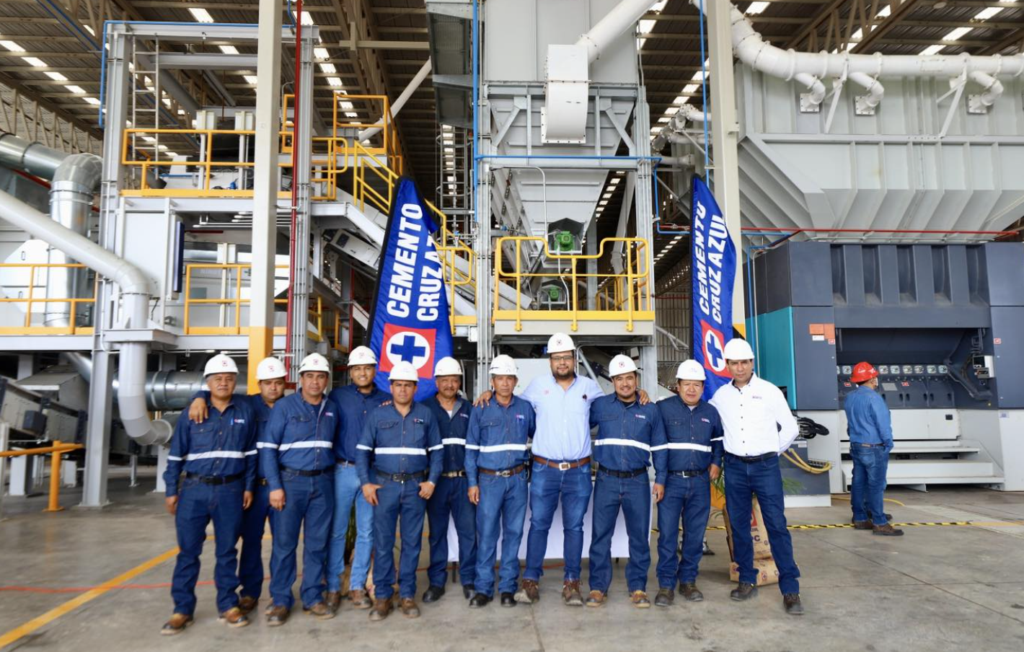

“With Runa, we found much more than just a payroll provider. Today, we have a team that understands the complexity of our operations and supports us through every payment cycle, allowing us to work with greater confidence, efficiency, and visibility over our processes.”
Human Resources Team
Cementos Cruz Azul


“With Runa, we’ve been able to completely simplify payroll and team management across our operations. Having our employees’ information centralized allows us to focus on what matters most: delivering a great experience for our customers.”
Operations Team
Punto de Cielo
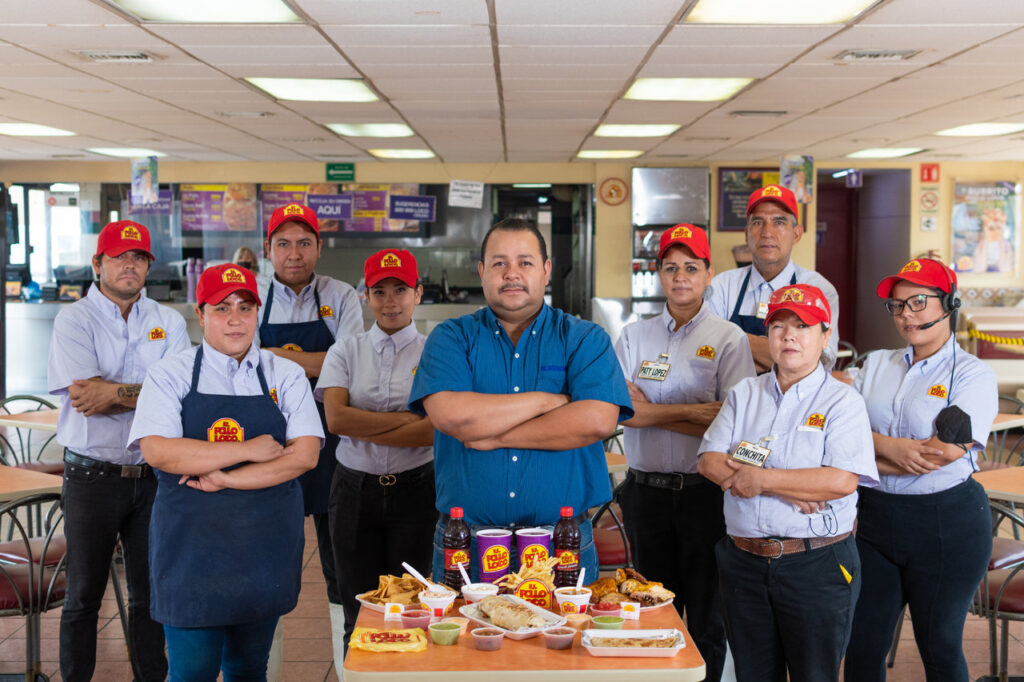

“Runa has helped us automate key payroll and HR processes for our teams. Today, we can manage our employees' information much more quickly, efficiently, and in a more organized way.”
Payroll and HR Management
El Pollo Loco


“With Runa, we have a stable and committed team, errors have been reduced to a minimum, and everything stays automatically updated, without us having to worry about legal or technical matters.”
Martha Llano
HR Manager

Giovana M.
Restaurants, 2-10 employees


Nitza D.
Retail, 10-50 employees

Gema E
Retail, 5001-10000 employees

Maite D
Finance, 11-50 employees

Thu Ha N
Services, 51-1000 employees

David V.
Software, 11-50 employees


Cristina W.
HR, 25-50 employees

Sandra F.
Energy, 100–125 employees

Miguel Angel J
Accounting, 51-1000 employees

Arturo S.
Healthcare, 11-50 employees

Giovana M.
Retail, 50-1000 employees

Claudia L
Accounting, >1,000 employees

Juan Carlos C.
Technology, 50–1,000 employees

Ileana M.
Retail, 501-1000 employees

Luis A.
Finance, 50-1,000 employees

Manuel A.
HR, 2-10 employees

Juan Antonio G.
Technology, 50-1,000 employees

Francisco M.
Finance, 51-200 employees

Adrian D.
Accounting, 0-50 employees

Iván G.
Accounting, 50-100 employees

Claudia Z.
Human Resources, 0-50 employees

Rogelio F.
Education, 0-50 employees

Ulises G.
Telecom, 51–1,000 employees

Miguel A.
Accounting, 51-1000 employees
Asset management software helps the human resources team clearly understand what equipment the company has, who uses it, and its condition. With Runa, HR can record and organize laptops, cell phones, monitors, furniture, PPE, and other equipment from a single place. It also allows knowing who has each asset, where it is, and its status. This is quite useful when the inventory no longer fits on a spreadsheet and the classic "who has that laptop?" question begins.
Runa links each asset to the profile of the employee it's assigned to, along with information like their position. From there, deliveries and returns can be recorded, serial numbers reviewed, locations consulted, and what equipment that person has had during their time at the company can be viewed. For HR, this creates a much clearer history. And when it's time to review a delivery or return months later, there's no need to rely on anyone's memory.
Runa allows managing different types of assets that are part of a company's daily operations. For example, laptops, cell phones, monitors, accessories, tools, furniture, uniforms, personal protective equipment, and vehicles. Each organization can also create its own categories based on what it needs to control, because not all companies issue the same equipment or manage inventory in the same way.
From each employee's profile, HR can review which assets they are responsible for. This shows data such as equipment type, serial number, status, location, and assignment date. The movement history of each asset can also be consulted, which functions like a ledger to track it from when it's issued until it changes hands or returns to inventory.
Yes. Runa allows recording when an asset is assigned, delivered, returned, or retired. Each movement is stored in its history. This way, HR can maintain control from hiring and during position changes, terminations, or internal movements. This allows reviewing which equipment is still available, which is in the hands of employees, and which still needs to be returned to the company.
Yes. Asset Management can connect with onboarding and offboarding processes to include equipment within each stage. When an employee joins, HR can record which assets they receive. When the employment relationship ends and the settlement is prepared, they can also review which assets need to be recovered. It seems like a small detail until a laptop is forgotten after a termination. Having this control helps reduce pending items and assets that end up in limbo.
Runa centralizes asset inventory so HR can consult information without searching for data in multiple files. It can be filtered by employee, asset type, status, location, site, and other criteria. It's also possible to generate reports and export information when inventory reviews, audit preparations, or internal reconciliations are needed. For a company with many assets in motion, having this traceability makes daily control much more manageable.
Change how you work and try Runa's complete software today.