US-EN
 Argentina (AR)
 Brazil (BR)
 Chile (CL)
 Colombia (CO)
 Ecuador (EC)
 Mexico (MX)
 Peru (PE)
 Venezuela (VE)
















 ROLES AND PERMISSIONS
Control who can
see, do, and approve
in your company
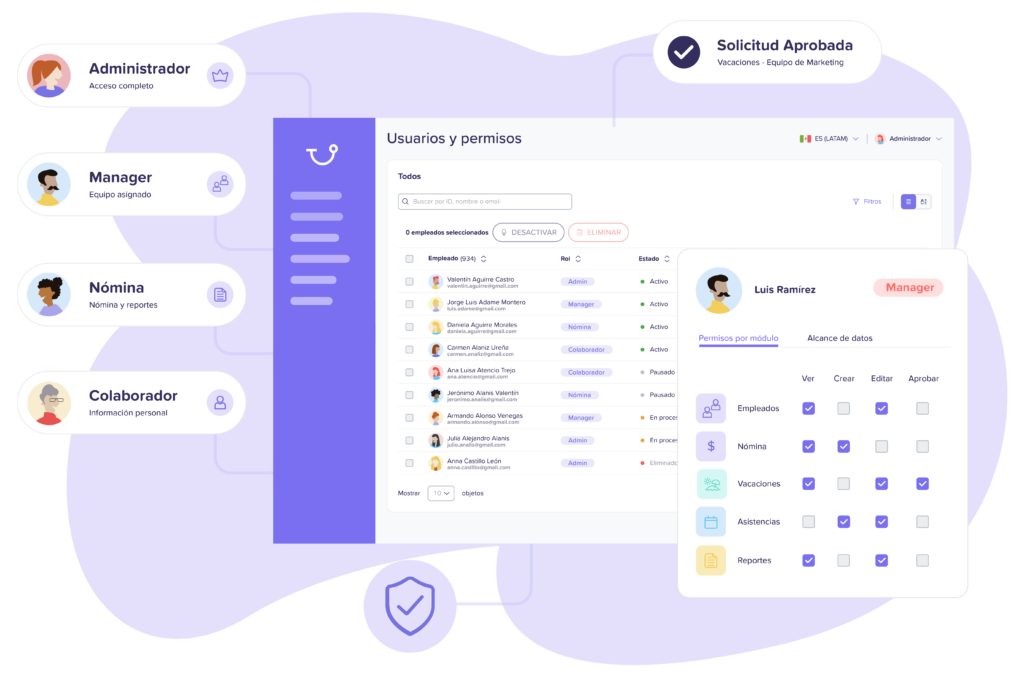
Define custom roles and permissions so that each person has access only to the information, features, and actions they need within Runa, maintaining control and security of your processes.
- Custom roles
- Granular permissions
- Access control











-

DEFINE
Create roles and permissions
Configure what each type of user can do.
-
ASSIGN
Give access to the right people
Assign permissions based on responsibilities and needs.
-

CONTROL
Stay in control
Manage who can view, edit, and approve.
Configure access according to each responsibility
Not everyone needs to see or do the same things. Define roles to adapt Runa to your company's structure.
- Create different roles
- Assign users easily
- Adapt access by responsibility
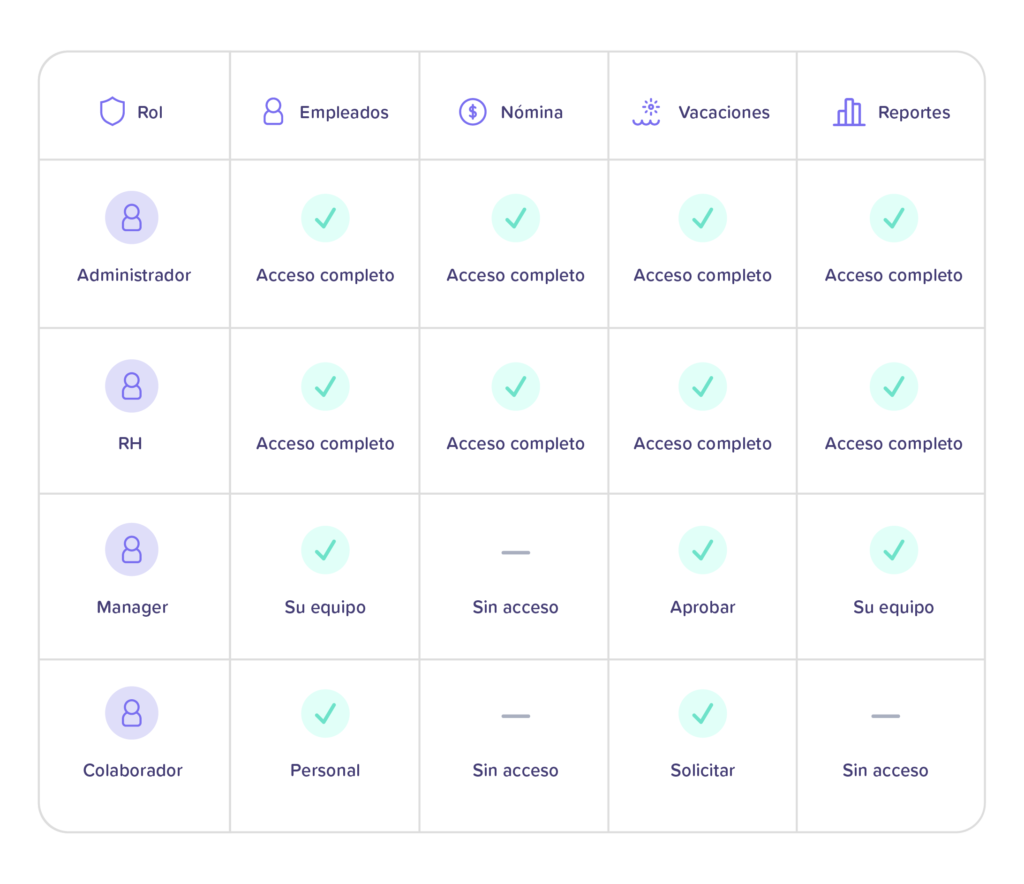
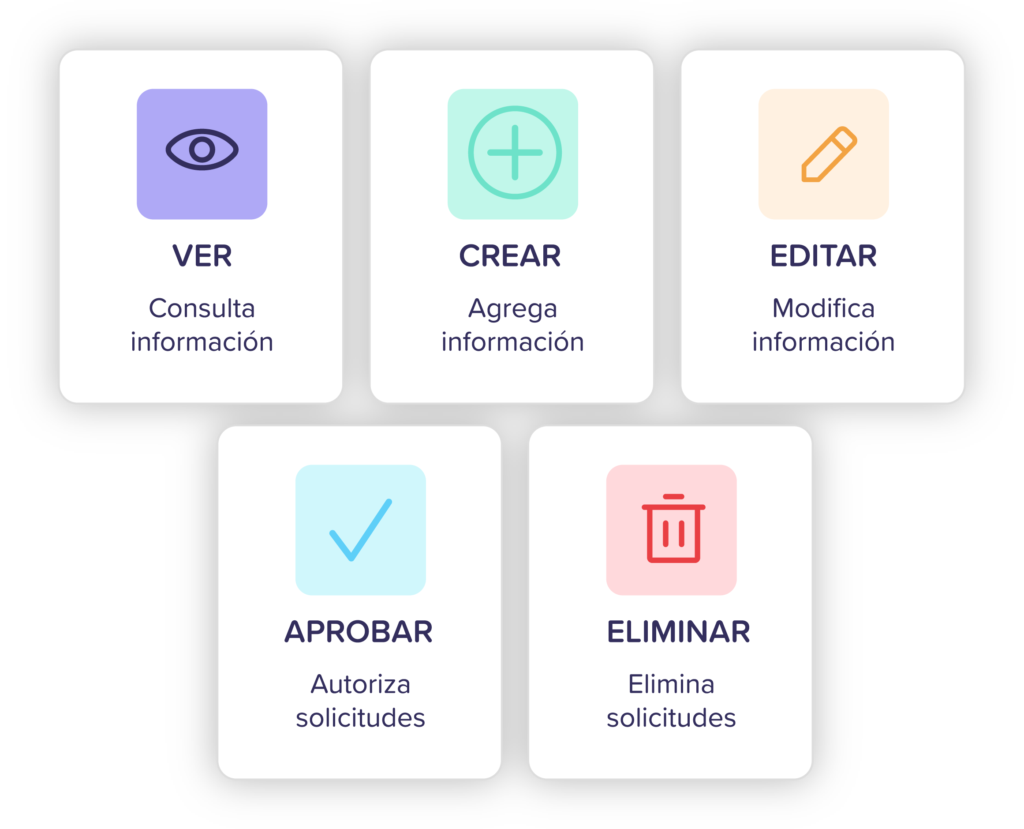
Decide exactly what each user can do
Configure permissions to control not only what information a person can view, but also what actions they can perform.
Customize permissions by user
Define what each person can see, view, create, edit, or manage according to their role and responsibilities within the organization.
Configure permissions by module
Independently manage access to each Runa module so that each user only has the tools they need available.
Adjust access whenever you need to
Easily modify permissions when roles, teams, or responsibilities change, without having to create new users or configurations.
-
Administrator
Entire company
-
HR
Entire company / assigned areas
-
Manager
Their team
-

Employee
Their own information
Maintain control over Runa access
Manage users and access to maintain control over who can interact with your company's information.
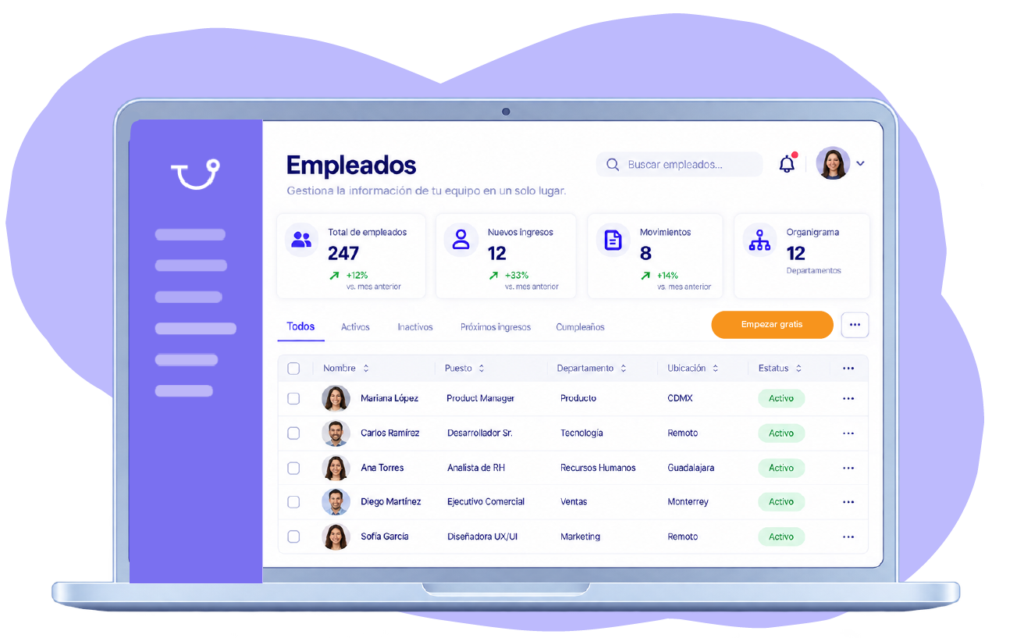
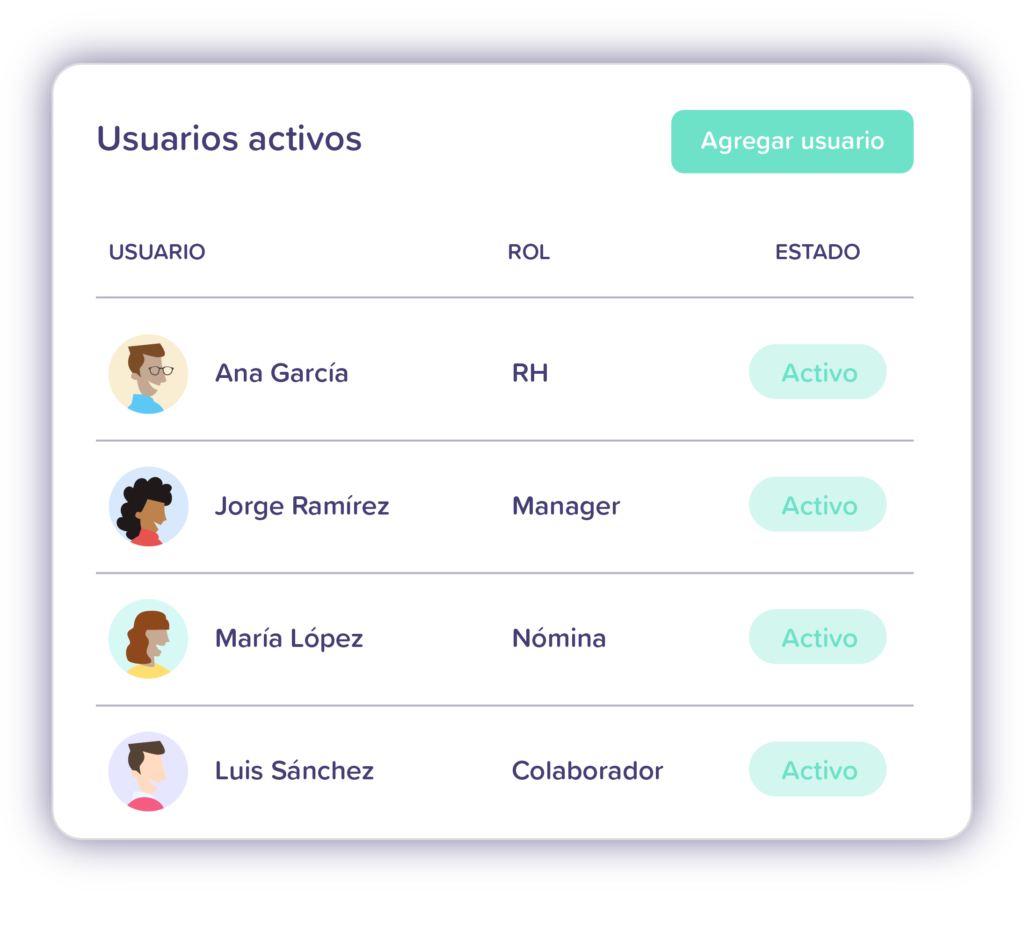
Manage active users
View in one place who has access to Runa and maintain visibility over enabled users within your organization.
Update permissions when they change
Adapt access levels as each person's functions evolve, keeping permissions aligned with their current responsibilities.
Revoke access when necessary
Quickly remove access for users who change positions or leave the organization, keeping your company's information protected.


“From the beginning, we knew we needed a solid foundation to scale our payroll operation in Mexico with security, efficiency, and full compliance.”
Rodrigo Sanchez
Communications Lead


“With Runa, we found a reliable platform that allows us to operate efficiently and provide clarity to the entire team.”
Gerry Giacomán
Co-Founder & CEO


“With Runa’s software, we were able to manage payroll directly and without errors, through a much more efficient process adapted to our needs. We feel much more secure and at ease with every payment and calculation we make.”
Norma Isela
Human Resources Manager


“With Runa, we have successfully simplified and automated key payroll and human resources processes. Today, we have greater visibility over our team and can manage our team members' information much more efficiently.”
Administration Team
Comex


“With Runa, we found much more than just a payroll provider. Today, we have a team that understands the complexity of our operations and supports us through every payment cycle, allowing us to work with greater confidence, efficiency, and visibility over our processes.”
Human Resources Team
Cementos Cruz Azul


“With Runa, we’ve been able to completely simplify payroll and team management across our operations. Having our employees’ information centralized allows us to focus on what matters most: delivering a great experience for our customers.”
Operations Team
Punto de Cielo


“Runa has helped us automate key payroll and HR processes for our teams. Today, we can manage our employees' information much more quickly, efficiently, and in a more organized way.”
Payroll and HR Management
El Pollo Loco


“With Runa, we have a stable and committed team, errors have been reduced to a minimum, and everything stays automatically updated, without us having to worry about legal or technical matters.”
Martha Llano
HR Manager
-

AI
Automate payroll and HR tasks with hundreds of AI agents connected to your platform.
-

Data
Centralize your employee data and keep all your modules updated.
-

Security
Protect your data and processes with security built-in by design.
-
Active
Roles and Permissions
Define who can view, edit, and perform actions within Runa.
-

Workflows
Automate processes, tasks, and approvals across all your modules.
-

Integrations
Connect Runa with your tools and keep your data synchronized.
-

Reports
Turn your data into insights for better decision-making.
-

Employee Access
Give each employee access to information, requests, and tasks.